Carsharing Rules Checklist: Pickup, Drive, Return Right
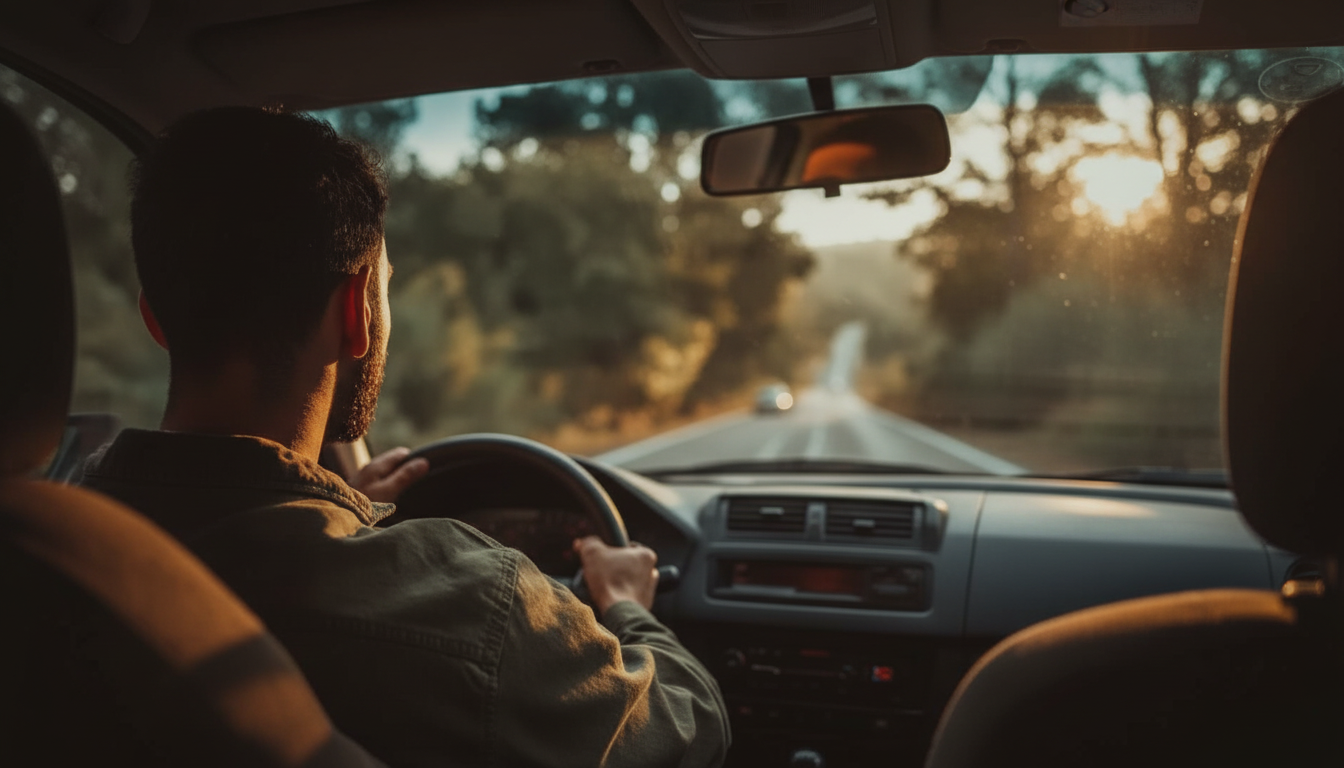
Carsharing Rules Made Simple: A Checklist for Smooth, Respectful Trips
Carsharing works best when every driver treats the vehicle like it belongs to the next person—because it does. A few consistent habits can prevent surprise fees, reduce stress at pickup and return, and keep every trip safer and more predictable. The rules below are designed to be practical: what to check, what to document, and what to do when something feels “off,” whether it’s the first booking or the hundredth.
Before Booking: Set Up a Problem-Free Trip
- Confirm eligibility requirements in the app: license age rules, driving record checks, payment method requirements, and any region restrictions.
- Choose the right vehicle class for the job. A compact city car is great for errands; a larger vehicle may be needed for cargo, highway comfort, or child-seat compatibility.
- Read the pricing details carefully: time and mileage rates, refueling/charging rules, late fees, cleaning fees, toll handling, and how damage responsibility works.
- Check pickup/return zones and any boundary rules for where the car may be driven and parked. Some services allow free-floating returns only in specific neighborhoods.
- Plan time buffers for traffic, locating the car, completing a quick inspection, and finding legal parking at the end of the trip.
For extra peace of mind, skim basic road-safety reminders from authoritative sources like NHTSA’s road safety guidance and U.S. DOT road safety resources. Defensive driving and distraction control matter even more in shared vehicles, where wear-and-tear can show up quickly.
Pickup Rules: Inspect, Document, and Start Clean
- Locate the vehicle and verify the license plate and model match your booking before unlocking.
- Walk around the car first. Look for dents, scrapes, cracked lights, windshield chips, and tire damage.
- Take clear photos of all sides and the interior before driving off. If anything looks pre-existing, report it immediately in-app so it’s time-stamped.
- Check essentials: fuel/charge level, tire pressure warning lights, mirrors, wipers, and that required documents (registration/insurance) are present if the service provides them.
- Adjust seat and mirrors before moving, and set navigation while parked.
- If the car is unusually dirty or seems unsafe, report it before starting the trip to reduce disputes later.
A reliable pickup routine is one of the easiest ways to avoid “it wasn’t me” damage claims. Two minutes of photos can save hours of follow-up.
On-the-Road Rules: Drive Like a Responsible Guest
- Follow local traffic laws at all times. Tickets and violations typically transfer to the driver, often with added administrative fees.
- Only approved drivers may drive. Don’t hand the car to friends or family unless the service explicitly supports additional drivers and they are verified in the app.
- No smoking or vaping inside the vehicle. Lingering odors are a common trigger for cleaning fees.
- Keep the interior tidy: bag all trash, avoid messy foods, and wipe spills immediately if they happen.
- Use the correct fuel type. If you’re unsure, check the fuel door label or in-app instructions before refueling.
- Report warning lights, unusual noises, or new damage as soon as it’s safe. If the vehicle feels unsafe, stop and contact support rather than pushing forward.
Think “return-ready” at all times. Small habits—keeping wrappers in a bag, placing muddy items on a floor mat, and avoiding strong-smelling foods—make returns faster and friendlier for the next driver.
Parking Rules: Avoid Tickets, Tows, and Neighbor Complaints
- Park only where permitted by local signage and the service’s rules (zones, residential permits, street sweeping schedules).
- Never block driveways, fire hydrants, loading zones, bike lanes, or accessible parking unless authorized and eligible.
- Close windows, turn off lights, and take personal belongings before ending the trip.
- If the service requires a specific type of spot (public street, paid lot, or a designated station), follow it exactly. Incorrect returns can trigger relocation fees.
- Take a final photo of the parked car and its surroundings, especially curb color and signage, to document a proper return.
When in doubt, pick the simplest legal option: a clearly marked public space, within the allowed return area, with no special permits required.
Return Rules: End the Trip the Right Way
What to Do If Something Goes Wrong
Quick Rules Checklist by Trip Stage
| Trip stage | Do this every time | Common fee triggers to avoid |
|---|---|---|
| Before booking | Confirm zones, pricing, and timing buffers | Misunderstanding return area, underestimating trip duration |
| Pickup | Photograph exterior/interior and report existing damage | Driving off with unreported damage or safety issues |
| During trip | No smoking, approved drivers only, follow traffic laws | Unauthorized driver, tickets, odors, messy interior |
| Parking/return | Park legally and end the trip in-app with photos | Illegal parking, incorrect return location, forgetting to end trip |
Downloadable Checklist for Stress-Free Carsharing
If you want a ready-to-use version you can save and reuse, check out this downloadable guide: Rules to Follow When Using Carsharing Checklist | Smart Carsharing Guide | Easy Car Share Rules Download.
Also available in our shop: 3 Smart & Simple Ways Millennials Can Start Investing Today | MRR Guide | Financial Freedom eBook | Passive Income for Beginners | 3 Ways Millennials Can Invest PDF.
FAQ
What should be photographed before driving a carshare vehicle?
Photograph all sides of the exterior, the windshield, wheels/tires if possible, plus a few interior shots (seats, dashboard, and trunk). Take close-ups of any existing damage and submit them in the app right away.
Can another person drive during a carshare reservation?
Only if the service allows additional drivers and the person is added and verified in the app. Otherwise it usually violates the terms and can create major liability and coverage problems.
What happens if the carshare trip ends late?
Late fees are common, and ending late can disrupt the next member’s booking. If possible, extend the reservation in the app before it ends; if you can’t, return as soon as it’s safe and contact support.















Leave a comment